

Best Printer Brands for Schools (Updated 2026)

March 11, 2024
 0 views
 0 comments
Best Printer Brands for Schools (Updated 2026)
A practical school printer buying guide for administrators comparing HP, Brother, Epson, Canon, and Ricoh for classrooms across Pennsylvania.
Why the right printer brand matters for schools
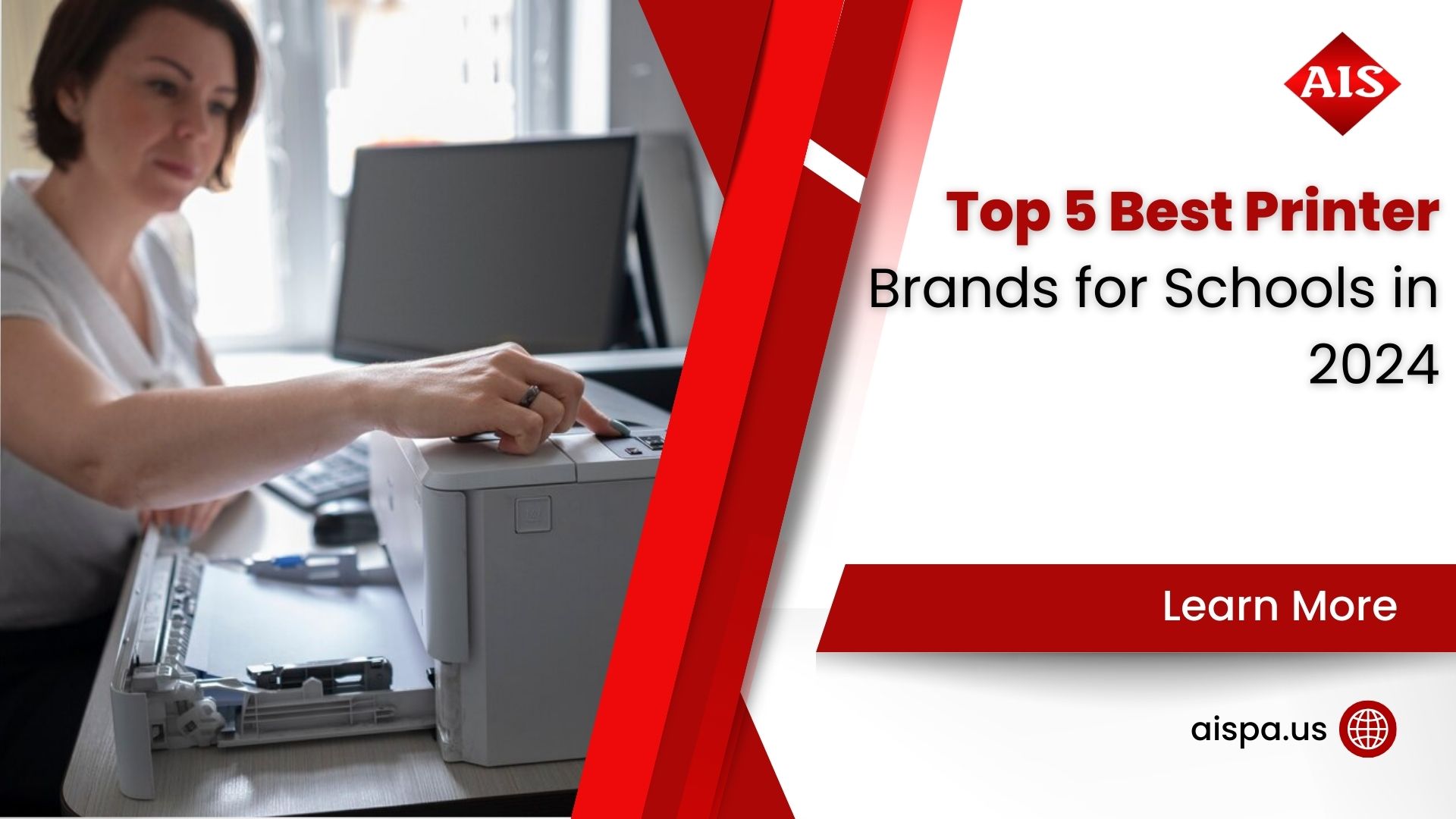
Picture a Monday morning without a working printer. Worksheets never reach desks. Permission slips sit unsigned, and report cards pile up. Printers keep a school moving, so the brand you pick affects budgets, classroom time, and IT headaches for years. And the wrong choice gets expensive fast.
Schools have needs no home buyer worries about. Think thousands of pages a week, mixed color and mono jobs, shared network access, and student data flowing through the device. So the best printer brands for schools balance durability, low running cost, and security. At Associated Imaging Solutions, we have helped Philadelphia-area districts sort through these tradeoffs since 1999, and the same questions come up every year.
Cost is the part most buyers underestimate. In 2026, the average district spends between $35 and $55 per student each year on print-related costs, and a single classroom can generate $400 to $1,200 in annual print expense depending on grade level and curriculum. Multiply across a building and the number gets real. So the brand decision is really a total-cost decision.
Reliability carries a hidden cost too. A printer down during testing week is not a minor annoyance; it is lost instruction time and a scramble for a backup. Teachers should be teaching, not babysitting a jammed tray. So durability and fast local service belong near the top of any school buying list, right alongside price. And a brand with easy-to-source parts saves days over the course of a term.
The 5 best printer brands for schools in 2026
Here are the five brands we see perform reliably in classrooms and district offices. Each one has a sweet spot, and none is best at everything. Balance matters more than brand loyalty.
1. HP (Hewlett-Packard)
HP remains a safe default for a reason. The LaserJet line handles heavy mono printing (think standardized tests and homework packets) with strong toner efficiency and crisp text. The OfficeJet Pro series adds fast color, scanning, and duplex for forms. HP toner is easy to source, and most IT staff already know the drivers. The tradeoff? Genuine HP supplies cost more than third-party options, and some entry models push firmware that blocks cheaper cartridges.
2. Brother
Ask teachers on Reddit which printer just keeps going, and Brother comes up again and again. The Brother HL-L2350DW prints sharp black-and-white at about 32 pages per minute with automatic duplex, and its high-yield toner keeps bulk printing cheap. Brother machines are compact and forgiving, which suits a busy classroom corner. Color quality is fine, not spectacular, so pair Brother mono units with a shared color device.
3. Epson
Epson changed the math on color with its EcoTank refillable ink-tank system. The EcoTank ET-2800 and ET-3950 skip cartridges entirely; you pour ink from bottles, and page yields run into the thousands. For art rooms, elementary classrooms, and anywhere color matters, the cost per page drops dramatically. Just know that ink-tank machines print slower than laser and are not built for the highest-volume mono jobs. So use them where color earns its keep.
4. Canon
Canon covers both ends well. Its imageCLASS laser line gives schools reliable mono and color multifunction options, while PIXMA inkjets handle vivid photo and poster work for yearbook and art projects. Canon scanning is a quiet strength, which helps offices digitize records. Supply pricing sits in the middle of the pack, and driver support is solid across Windows and Chromebooks.
5. Ricoh
Ricoh plays in a different league: the multifunction copier that anchors a whole building. Ricoh devices pair well with managed print and document workflow tools, and their security and fleet-management features fit districts that need to control many machines at once. They cost more upfront, so Ricoh usually makes sense as a leased centralized workhorse rather than a per-classroom unit. And that is exactly how most districts deploy them.
Typical print cost savings schools report after moving to managed print services
School printer brand comparison at a glance
Numbers help more than adjectives. Here is a quick comparison of where each brand fits, with rough cost-per-page ranges. Actual figures vary by model and supply source, so treat these as planning estimates and verify against a real quote.
| Brand | Best for | Strength | Watch out for | Typical mono cost/page |
|---|---|---|---|---|
| HP | Mixed mono & color offices | Reliability, wide support | Pricier genuine supplies | ~2–4¢ |
| Brother | High-volume worksheets | Cheap high-yield toner | Average color | ~2–3¢ |
| Epson EcoTank | Low-cost color rooms | Refillable ink, high yield | Slower than laser | ~1–2¢ |
| Canon | Art, photo, scanning | Color & scan quality | Mid-range running cost | ~3–5¢ |
| Ricoh | District-wide fleets | Fleet security & MFP power | Higher upfront cost | ~1–3¢ |
Notice the pattern? No single brand wins every column. So most well-run schools mix a couple of brands: cheap Brother or HP mono units in classrooms, a shared Epson for color, and a leased Ricoh multifunction for the main office.
A quick word on model years. Manufacturers refresh their lineups often, so the exact model names above shift a little each season. The brand strengths hold steady, though. Brother stays the value mono champion, Epson keeps leading on refillable color, and Ricoh keeps owning the district fleet role. So focus on the category fit first, then pick the current model in that family. And always confirm supply availability before you standardize on a unit.
Inkjet, laser, or ink tank for the classroom?
Brand matters, but the print technology underneath matters just as much. Each type has a job it does best. Get this wrong and you overpay on every page.
- Laser: Fast, cheap per page for black-and-white, and built for volume. Laser mono runs roughly 5 to 8 cents per page at retail supply prices, and toner cost per page often beats inkjet by 70% or more. Ideal for worksheets, tests, and handouts.
- Inkjet (cartridge): Great color, low upfront price, but retail cartridges push cost per page to 7 to 12 cents. Fine for light or occasional color, painful at high volume.
- Ink tank (EcoTank and similar): Higher upfront cost, very low cost per page, and strong color. Best when a room prints color regularly and can slow down a little.
So which should a school buy? Match the machine to the workload. A teacher printing 2,000 mono pages a month wants laser. An art room printing posters wants ink tank. And a front office scanning and copying all day wants a multifunction laser. Simple rule, big savings.
One more caution on the color question. Color pages cost several times more than black-and-white on almost any device, so control who can print color and when. Many schools route color to one shared, well-placed unit and keep classroom printers mono. Small policy, meaningful savings across a full school year. And students rarely notice the difference on a worksheet.
What school printing actually costs
The sticker price is the smallest number in the story. Supplies, waste, and downtime cost far more over a device’s life. And that is where most budgets quietly leak.
Here is a figure that surprises administrators: unmanaged districts often lose 10 to 15% of their supply budget to ghost printing, inefficient hardware, and retail-priced consumables. Walk past any school copier on a Friday afternoon and you may spot a paper mountain, stacks that nobody ever collected. Every sheet is wasted toner, paper, and electricity.
Average annual print-related cost per student across U.S. districts in 2026
Downtime is another silent line item. When a machine fails, someone drives to a store for emergency supplies at retail prices, or a class loses its handouts. Those scramble costs never show up on the printer invoice, yet they add up across a year. A steady service partner and automatic supplies keep them off your books. So the cheapest fleet on paper is often not the cheapest fleet in practice.
There is good news too. Setting double-sided printing as the default on every machine can cut a district’s paper spend by up to 30% overnight. And moving to managed print services (MPS) helps many schools save 20 to 30% on total print cost. Broader industry data shows MPS reduced print costs by 30 to 50% for a large majority of clients and delivered about 35% lower total cost of ownership on print fleets. For energy planning, the U.S. EPA Energy Star office equipment program is a useful reference on efficient models.
Factors to weigh when choosing a school printer brand
Ready to narrow the field? Run any candidate through these checks before you sign anything. They map directly to how schools actually use printers.
- Print volume and workload: Estimate monthly pages per building, then buy for the peak, not the average. Back-to-school and testing weeks spike hard.
- Cost per page, not just price: A cheap printer with expensive supplies is a trap. One under-spec unit can cost up to 10 times as much per page as a centralized workgroup laser.
- Function mix: Decide where you need print only versus print, copy, scan, and fax in one device.
- Connectivity: Dual-band WiFi and solid network drivers matter on busy school networks and mesh systems. Chromebook support is a must for many districts.
- Security: Student data flows through these machines, so look for secure release, user PINs, and encrypted storage. Guidance from AIIM on information management is worth a read.
- Durability and service: Duty cycle ratings and a local service partner keep machines running. Independent testers like Keypoint Intelligence publish reliability data worth checking.
Want help sizing this for your building? Our managed print services team runs a free print assessment and shows the real per-page math before you commit.
Should your school buy or lease?
Small classroom printers are usually a simple purchase. But once you reach multifunction copiers and district fleets, leasing often wins. Why? Predictable monthly cost, bundled service and supplies, and a clear upgrade path when technology moves on. Here is the tradeoff in plain terms.
| Consideration | Buying | Leasing |
|---|---|---|
| Upfront cost | High, paid once | Low, spread monthly |
| Service & supplies | Separate, variable | Often bundled in |
| Upgrades | You resell old units | Swap at term end |
| Best for | Low-cost classroom units | Copiers & district fleets |
| Budget style | Capital expense | Operating expense |
There is a budgeting angle worth naming too. Leasing turns a big capital outlay into a steady operating expense, which many school business offices prefer for planning. It also keeps aging hardware from becoming a maintenance drain, since you swap into current models at term end. So the choice is partly financial and partly practical. And both sides deserve a real conversation before you decide.
Be honest about the caveats, though. A lease is a contract, so read the term length, the cost-per-copy overage, and the end-of-lease return clause. A good partner explains all of it up front. If you want a clear number for a Pennsylvania school, our copier leasing options and this copiers and printers overview are a good place to start.
Common printer buying mistakes schools make
We see the same avoidable errors year after year. Each one costs money, classroom time, or both. So learn from other districts before you sign a purchase order.
- Buying on sticker price alone: A $99 printer with $70 cartridges is far pricier over a year than a $300 unit with cheap high-yield toner. Cost per page is the number to chase.
- Ignoring duty cycle: A home-grade printer dropped into a busy classroom burns out fast. Match the rated monthly volume to real peak demand, then add a buffer.
- Forgetting security: Student records deserve secure release and encryption. A shared tray full of printed grade reports is a privacy risk nobody planned for.
- Too many small units: A pile of cheap desktop printers looks flexible, yet it multiplies supply orders and service calls. Fewer, sturdier shared machines often cost less to run.
- No plan for supplies: When toner runs out mid-week and nobody ordered more, printing stops. Automatic supply delivery through managed print solves this quietly.
Which of these sounds familiar? Most schools recognize at least two. And each is easy to fix once you see the full cost picture instead of the shelf tag.
Getting school printers ready for a new year
Summer is the smart window to sort out printing. Classrooms sit empty, IT has breathing room, and you can test devices before students arrive. Here is a simple rollout checklist we walk Pennsylvania schools through every August.
- Audit last year: Pull print volume by building and spot the heaviest and lightest machines. Numbers reveal where a device is mismatched to its workload.
- Standardize where you can: Fewer models mean simpler drivers, fewer spare parts, and easier training. Two or three chosen brands beat a dozen random ones.
- Set defaults district-wide: Turn on double-sided and black-and-white by default. That one change trims paper and toner spend right away.
- Test Chromebook and network printing: Confirm cloud printing works before day one, so a class of 30 is not stuck waiting on a driver fix.
- Stock and schedule supplies: Line up toner and set a reorder trigger. Better yet, let a managed print program handle it automatically.
Districts in Bucks County and Montgomery County that plan printing in summer start the year calmer. And a local partner makes the whole checklist faster to complete.
How Associated Imaging Solutions helps schools
We are a local partner, not a big-box counter. Associated Imaging Solutions serves schools across Philadelphia, Bucks County, and Montgomery County, and we tailor every recommendation to the building in front of us. Here is what working with us looks like.
Free Print Assessment
We count your real volume and map devices to classrooms, then show the true cost per page.
Multi-Brand Advice
We are not tied to one label, so we recommend HP, Brother, Epson, Canon, or Ricoh based on fit.
Managed Print Services
Automatic toner delivery, remote monitoring, and one predictable invoice replace supply-closet chaos.
Flexible Leasing
Copier and fleet leases with service bundled in and a clean upgrade path at term end.
Local Service
Fast on-site support across the Philadelphia region, so a jam does not stall a testing day.
Security & Data Care
Secure print release and encrypted devices help protect student records on every machine.
Curious what this looks like for your district? Reach out through our contact page and we will set up a no-pressure walkthrough.
Frequently asked questions
What is the best printer brand for schools in 2026?
There is no single winner. HP and Brother lead for high-volume black-and-white worksheets, Epson EcoTank leads for low-cost color, Canon suits art and scanning, and Ricoh anchors district-wide fleets. The best pick depends on your print volume, budget, and support needs.
Are laser or inkjet printers better for schools?
Laser is better for heavy black-and-white printing because it is fast and cheap per page. Inkjet and ink-tank models handle color better. Many schools use both: laser in classrooms for worksheets and an ink-tank unit where color matters.
How much does school printing cost per year?
In 2026, districts average about $35 to $55 per student annually on print-related costs, and a single classroom can run $400 to $1,200 a year. Please verify against your own volume, since curriculum and grade level change the number a lot.
What is managed print services for schools?
Managed print services (MPS) is a program where a provider monitors your printers, delivers supplies automatically, handles service, and bills one predictable amount. Schools that adopt MPS commonly save 20 to 30% on total print cost.
Which printer brand has the lowest cost per page?
Ink-tank systems like Epson EcoTank and high-yield laser toner from Brother tend to deliver the lowest cost per page. Laser mono can run roughly 5 to 8 cents per page at retail, and toner often beats inkjet cartridges by 70% or more.
Is it better to buy or lease school printers?
Small classroom printers are usually cheaper to buy. Multifunction copiers and district fleets often make more sense to lease because service and supplies are bundled and upgrades are easy. It comes down to budget style and volume.
Do school printers need special security features?
Yes. Because student data passes through them, look for secure print release, user PINs, and encrypted storage. These features reduce the risk of sensitive documents sitting in an output tray.
How can schools reduce printing waste?
Set double-sided printing as the default, which can cut paper spend by up to 30%. Add secure release so unclaimed jobs are not printed, and track volume so ghost printing gets caught early.
What printer works best with Chromebooks in schools?
Brother, HP, and Epson models with dual-band WiFi and current cloud-print support work well with Chromebooks. Check the vendor compatibility list before buying, since driver support varies by model.
Does Associated Imaging Solutions serve schools near Philadelphia?
Yes. Associated Imaging Solutions works with schools across Philadelphia, Bucks County, and Montgomery County in Pennsylvania, offering printers, copiers, managed print services, and leasing with local on-site support.
How many printers does a school actually need?
It depends on enrollment, layout, and print volume. A common model pairs a few durable classroom mono units with a shared color device and a central multifunction copier per building. A free print assessment gives you an exact answer.
Get the Right School Printers for Less
Providing solutions to make businesses run more productively, more reliably, and more efficiently. Let our local team size the right fleet for your Pennsylvania school.
GET A QUOTE
Call (215) 999-8445
Related Posts
— What Is Printer Pooling? Understanding the Basics and Benefits
— The Lifespan of Printers: How Long Do Printers Last