

Industrial Copier Solutions: A Complete Guide for Businesses (2026 Guide)

April 14, 2026
 0 views
 0 comments
Industrial Copier Solutions: A Complete Guide for Businesses (2026 Guide)
How High-Volume Copiers, Smart Features, and Managed Print Services Can Transform Your Office Workflow
Overview
What Are Industrial Copier Solutions?
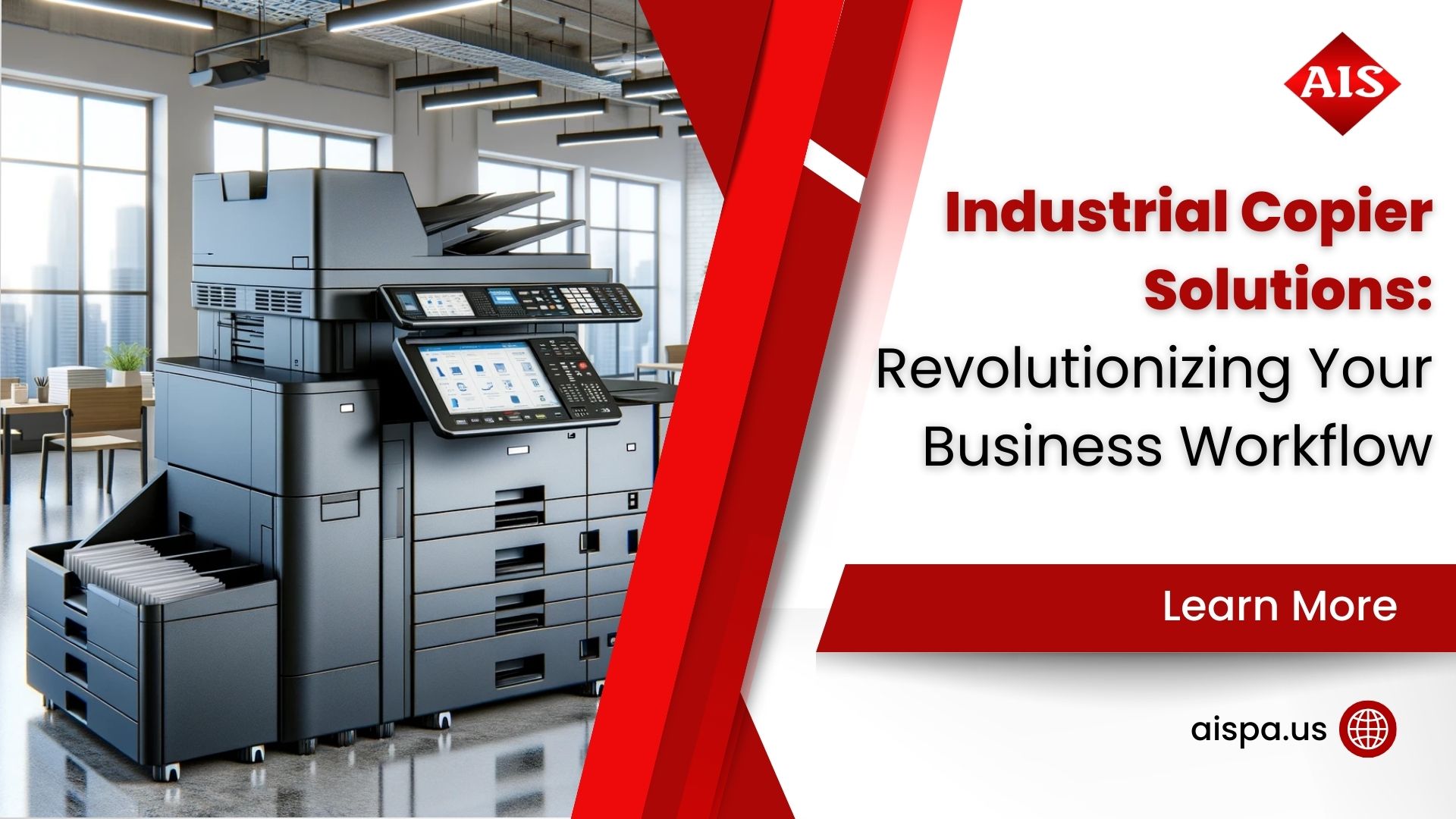
If your office prints more than a few hundred pages per day, a standard desktop printer simply will not keep up. Industrial copier solutions are multifunction devices designed for high-volume environments: law firms churning out discovery documents, healthcare offices managing patient records, schools running thousands of handouts, and warehouses printing shipping labels nonstop.
These machines go far beyond basic printing. A single industrial copier handles copying, scanning, faxing, and digital document routing. And modern models from brands like Sharp, Ricoh, Canon, and Konica Minolta include cloud connectivity, AI-powered workflow automation, and enterprise-grade security features unavailable even three years ago.
So what makes them “industrial”? Speed, durability, and capacity. We are talking about machines rated for 50,000 to 300,000 pages per month, with print speeds of 50 to 80+ pages per minute. They are built for offices and production environments where downtime costs real money.
Key Features
Top Features of Industrial Copiers in 2026
The copier market has changed dramatically. Today’s industrial copiers are essentially smart office hubs. Here is what sets the 2026 generation apart from older models:
- AI-Powered Document Routing: Modern copiers use artificial intelligence to sort, tag, and route scanned documents to the right folder, email, or cloud storage automatically. No more manually filing hundreds of pages.
- Zero-Trust Security: With cyber threats targeting networked devices, 2026 models include zero-trust printing, encrypted file transfer, and biometric authentication at the device panel.
- Cloud Integration: Direct connections to Microsoft 365, Google Workspace, Dropbox, and other platforms let employees print or scan from anywhere on the network.
- Touchscreen Interfaces: Large, intuitive panels make complex jobs simple; think scheduling print runs, adjusting finishing options, or previewing scans before sending.
- Sustainability Features: Energy-efficient designs, recyclable toner cartridges, and duplex (two-sided) printing defaults help businesses reduce both costs and environmental impact.
- Remote Monitoring: IT teams and service providers can monitor toner levels, paper jams, and device health remotely, often fixing issues before anyone in the office notices a problem.
Our team works closely with Sharp and other leading manufacturers to ensure our Philadelphia-area clients get access to these features at competitive pricing. But technology alone does not solve problems; the right configuration and ongoing support make the difference.
of commercial copiers are leased rather than purchased outright
Cost Analysis
How Much Do Industrial Copier Solutions Cost?
Cost is usually the first question businesses ask. And it should be, because printing expenses are typically the third-highest operating cost after rent and payroll. Here is a realistic breakdown of what to expect in 2026:
| Cost Factor | Leasing | Purchasing |
|---|---|---|
| Upfront Cost | $0 – $500 (first/last month) | $6,000 – $25,000+ |
| Monthly Payment | $120 – $500/month | N/A (one-time purchase) |
| Maintenance & Service | Usually included in lease | $500 – $2,000/year extra |
| B&W Cost Per Page | $0.009 – $0.025 | $0.009 – $0.025 |
| Color Cost Per Page | $0.055 – $0.14 | $0.055 – $0.14 |
| 5-Year Total (typical) | $7,200 – $30,000 | $9,000 – $35,000+ |
| Technology Refresh | Upgrade at lease end | Stuck until resale/disposal |
Leasing is the dominant choice for a reason. It preserves cash flow, bundles service and toner, and lets you upgrade when better technology hits the market. But purchasing can make sense for organizations with stable print volumes and long equipment lifecycles; especially if you plan to claim the Section 179 tax deduction.
Which option works for your office? It depends on your monthly print volume, color versus black-and-white mix, and whether your needs are growing or steady. We offer both options and can model the total cost of ownership for your specific situation.
Lease vs. Buy
Should Your Business Lease or Buy an Industrial Copier?
This is the question we hear most often from businesses in Bucks County, Montgomery County, and the greater Philadelphia region. And the honest answer is: it depends on your circumstances.
When Leasing Makes Sense
Leasing is ideal if you want predictable monthly expenses, bundled maintenance, and the ability to upgrade every 3-5 years. Most lease agreements run 36 to 60 months and include toner, parts, and labor for repairs. For growing businesses, leasing also means you can scale your equipment without a huge capital outlay.
When Buying Makes Sense
Buying works best for organizations with stable, predictable print volumes and strong cash reserves. You will own the equipment outright, avoid interest charges over the lease term, and can claim depreciation. However, you are responsible for all maintenance costs once any manufacturer warranty expires.
Here is a quick litmus test: if your monthly print volume fluctuates by more than 20%, or if you expect to need a technology upgrade within five years, leasing is probably the better path. If your volume is rock-steady and you plan to use the same machine for 7-10 years, buying could save you money long-term.
Print Volume
Choosing the Right Copier for Your Print Volume
Not every office needs the same machine. Overspending on a device rated for 200,000 pages per month when you print 10,000 wastes money. Underspending on a light-duty model for a heavy-use environment leads to constant breakdowns. How do you find the right fit?
| Office Size | Monthly Volume | Recommended Speed | Typical Lease Cost |
|---|---|---|---|
| Small (1-10 employees) | Up to 5,000 pages | 20-30 PPM | $100 – $200/mo |
| Medium (10-50 employees) | 5,000 – 25,000 pages | 30-50 PPM | $200 – $350/mo |
| Large (50-200 employees) | 25,000 – 100,000 pages | 50-70 PPM | $300 – $500/mo |
| Enterprise/Production | 100,000+ pages | 70-100+ PPM | $500+/mo |
One common mistake is buying for peak volume rather than average volume. If your office prints 30,000 pages most months but hits 50,000 during tax season or year-end reporting, a machine rated for 50,000 pages handles the spikes comfortably. Going all the way up to a 100,000-page machine for occasional peaks wastes money on capacity you rarely use.
PPM (pages per minute) matters, but it is not the only factor. Think about finishing options (stapling, hole-punching, booklet-making), paper tray capacity, scan speed, and color accuracy. A marketing department needs different capabilities than an accounting firm. And choosing between production printers and office printers adds another layer to the decision.
At our office, we start every consultation with a print assessment. We look at your current volumes, workflow bottlenecks, and growth projections before recommending a specific model. You get exactly what you need, not the most expensive machine on the floor.
average printing cost reduction when businesses implement managed print services
Managed Print
Managed Print Services: The Smart Way to Handle Industrial Copiers
Here is something many businesses overlook: the copier itself is only part of the equation. Managing it properly is where the real savings come from. This is where managed print services (MPS) enter the picture.
With MPS, a provider like us takes over the entire print environment. We handle toner replenishment, preventive maintenance, troubleshooting, and usage monitoring. You just print. The global MPS market is valued at over $43 billion in 2026, and for good reason: businesses adopting managed print typically see a 20-30% drop in overall printing costs.
What MPS Includes
- Proactive Monitoring: Toner levels, page counts, and error codes tracked in real time
- Automatic Supply Delivery: Toner and parts shipped before you run out
- On-Site Service: Certified technicians for repairs and preventive maintenance
- Usage Reporting: Monthly reports showing cost-per-page, volume trends, and waste areas
- Fleet Optimization: Recommendations to right-size your device fleet as needs change
Another overlooked benefit of MPS is standardization. When every device in your fleet is managed under one contract, you get consistent interfaces, consistent security policies, and one phone number to call when something goes wrong. Compare this to a patchwork of different machines purchased at different times from different vendors, each with separate service agreements and supply chains. The administrative overhead alone justifies consolidation for many mid-size offices in the Philadelphia area.
Companies spend an average of $725 per employee on printing each year, according to industry research. For a 50-person office, the total reaches $36,250 annually. Even a modest 20% reduction saves over $7,000 per year. And the savings compound over time as waste gets identified and eliminated.
Security
Industrial Copier Security: Protecting Your Business Data
Did you know every modern copier has an internal hard drive storing copies of every document it processes? This is a security risk many businesses ignore until a data breach forces them to pay attention.
In 2026, copier security is not optional. It is essential. Zero-trust printing requires user authentication before any job releases at the device, which prevents sensitive documents from sitting uncollected in the output tray. Encrypted file transfer protects data moving between the copier and network storage. And automatic hard drive overwrite ensures stored images are destroyed after each job completes.
For regulated industries like healthcare (HIPAA), legal (attorney-client privilege), and finance (PCI-DSS), these features are not just nice-to-have; they are compliance requirements. Our technicians configure security settings during installation and can perform periodic security audits to keep your fleet up to standard.
What about compliance documentation? Many industries require audit trails showing who printed what, when, and where. Industrial copiers with built-in logging can generate these reports automatically, saving your compliance team hours of manual tracking each quarter.
Network segmentation is another consideration. Your copier sits on your network like any other device, and a compromised copier can become an entry point for attackers. Best practice in 2026 is to place copiers on a separate VLAN with restricted access rules. Our technicians set this up during installation for clients who need tighter security controls.
Biometric authentication is another 2026 feature worth mentioning. Instead of PIN codes frequently shared around the office, some copier models now support fingerprint or facial recognition at the panel. It is a small change making a big difference for document confidentiality.
Brands
Top Industrial Copier Brands to Consider in 2026
Which brand should you choose? It depends on your priorities. Here is a candid look at the leading manufacturers:
Sharp: Known for reliability and intuitive interfaces. Sharp’s advanced series excels in mid-to-high volume environments and offers strong security features. We are an authorized Sharp dealer in Pennsylvania.
Ricoh: A solid choice for high-volume production environments. Ricoh machines handle heavy workloads well and offer excellent finishing options for booklets and marketing materials.
Canon: Canon’s imageRUNNER ADVANCE series delivers outstanding image quality and integrates seamlessly with cloud platforms. Popular in creative and marketing environments where color accuracy matters.
Konica Minolta: Frequently chosen by schools, marketing departments, and commercial print shops for strong color performance. Their bizhub line is versatile across different office sizes.
Xerox: A legacy brand recognized as an AI innovation leader by Quocirca in 2026. Xerox machines offer robust document management and workflow automation tools.
No single brand is “the best” for every situation. The right choice depends on your volume, workflow, budget, and the level of dealer support available in your area. In the Philadelphia region, Sharp tends to be a strong pick because of local dealer support, competitive pricing, and a long track record in office environments.
Your Local Partner
How Associated Imaging Solutions Helps Philadelphia-Area Businesses
Since 1999, we have been serving businesses in Philadelphia, Bucks County, Montgomery County, and across Pennsylvania. We are not just a copier dealer. We are a full-service office technology partner. Here is what this looks like in practice:
Print Assessment
Free analysis of your current print environment, costs, and workflow bottlenecks
Custom Recommendations
Right-sized equipment suggestions based on your actual needs, not upselling
Installation & Setup
Professional deployment with network integration and security configuration
Ongoing Support
Local technicians for fast response times across the greater Philadelphia area
Supply Management
Automatic toner delivery and parts replacement so you never run out
Cost Optimization
Regular reviews to reduce waste and keep your per-page costs as low as possible
Our approach is straightforward: we figure out what your office actually needs, recommend equipment matching your needs, and then keep it running smoothly. We have been doing this for over 25 years, and our clients in Warminster, Doylestown, Lansdale, King of Prussia, and throughout the region stay with us because we deliver on this promise.
Sustainability
Sustainable Printing: Why It Matters for Your Bottom Line
Sustainability is not just a buzzword; it directly affects your operating costs. Consider this: 45-65% of printed pages are discarded the same day they are printed, and 17% are never read at all. All of it money going straight into the recycling bin.
Modern industrial copiers address this waste in several ways. Duplex printing defaults cut paper consumption nearly in half. Pull-printing (where jobs only release when the user authenticates at the device) eliminates uncollected printouts. And energy-efficient models use significantly less power in standby mode compared to machines from even five years ago.
For businesses pursuing EPA Energy Star certification or corporate sustainability goals, choosing the right copier fleet matters. Our team can help you select ENERGY STAR-rated devices and implement print policies reducing waste without slowing your team down.
Print audits reveal surprising patterns. Many offices discover they are running multiple devices at partial capacity when a single, properly sized industrial copier would handle the entire workload more efficiently. Consolidating your fleet reduces electricity costs, maintenance contracts, and supply inventory complexity all at once.
Beyond the environmental benefits, sustainable printing practices save real money. A 50-person office reducing paper waste by 30% and implementing duplex defaults can save $3,000-5,000 annually on paper alone. Add toner savings from eliminating unnecessary print jobs, and the numbers add up quickly.
Frequently Asked Questions
Industrial Copier Solutions FAQ
What is the difference between an industrial copier and a regular office printer?
Industrial copiers are built for high-volume environments, typically rated for 50,000 to 300,000+ pages per month. They offer faster print speeds (50-100+ PPM), more paper tray capacity, advanced finishing options, and multifunction capabilities including scanning, faxing, and document routing. Regular office printers are designed for lower volumes and simpler tasks.
How much does it cost to lease an industrial copier in Pennsylvania?
Lease costs vary based on the machine’s speed and features. For mid-range industrial copiers, expect $200-$500 per month on a 36-60 month lease. This typically includes maintenance, toner, and parts. Contact us at (215) 999-8445 for a customized quote based on your specific print volume.
Is it better to lease or buy an industrial copier?
About 85% of commercial copiers are leased. Leasing preserves cash flow, includes maintenance, and allows technology upgrades. Buying can be cheaper long-term for businesses with stable volumes and cash reserves. The right choice depends on your financial situation, print volume stability, and how quickly you need to adopt new technology.
What brands does Associated Imaging Solutions carry?
Associated Imaging Solutions is an authorized Sharp dealer and also works with other leading manufacturers including Ricoh, Canon, and Konica Minolta. We recommend specific brands based on your workflow needs, volume requirements, and budget rather than pushing a single manufacturer.
How long does an industrial copier typically last?
With proper maintenance, industrial copiers typically last 5-7 years in heavy-use environments and up to 10 years with moderate use. However, technology advances may make older machines less efficient or secure before they physically wear out. This is why many businesses prefer 3-5 year lease cycles.
What are managed print services and do I need them?
Managed print services (MPS) means a provider handles your entire print environment: monitoring, maintenance, supplies, and cost optimization. If your business spends more than $500 per month on printing or has more than three devices, MPS can typically save 20-30% on total print costs.
How fast are industrial copiers compared to standard printers?
Standard office printers typically run at 20-40 pages per minute. Industrial copiers range from 50 PPM for mid-volume models to over 100 PPM for production units. For context, a 70 PPM copier can produce a 100-page report in under 90 seconds.
Can industrial copiers connect to cloud services?
Yes. Most 2026 industrial copiers integrate directly with Microsoft 365, Google Workspace, Dropbox, Box, and other cloud platforms. Users can scan documents directly to cloud folders or print from cloud storage without downloading files to a local computer first.
What security features should I look for in an industrial copier?
Key security features include zero-trust printing (user authentication before job release), encrypted data transfer, automatic hard drive overwrite, secure boot, and network access controls. For HIPAA or PCI-DSS compliance, these features are essential, not optional.
Does Associated Imaging Solutions serve businesses outside Philadelphia?
Yes. While our office is in Warminster, PA, we serve businesses throughout Bucks County, Montgomery County, Delaware County, Chester County, and the broader Philadelphia metro area. We also support clients across Pennsylvania. Call (215) 999-8445 to confirm coverage in your area.
How quickly can a new industrial copier be installed?
Typical installation takes 1-3 business days from delivery. This includes physical setup, network integration, security configuration, and basic user training. Our team handles the entire process so your staff can start using the new equipment right away.
What happens when my copier lease ends?
At lease end, you typically have three options: upgrade to a newer model (most popular), extend the lease at a reduced rate, or purchase the equipment at fair market value. Our team walks you through all options so you can make the best decision for your budget and needs.
Ready to Upgrade Your Office Copier?
Providing solutions to make businesses run more productively, more reliably, and more efficiently
Call (215) 999-8445
Related Posts
— What Is Printer Pooling? Understanding the Basics and Benefits
— The Lifespan of Printers: How Long Do Printers Last