

How Many Pages Does an Ink Cartridge Print? (Updated 2026)

June 9, 2026
 0 views
 0 comments
How Many Pages Does an Ink Cartridge Print? (Updated 2026)
A plain-English look at printer ink page yield, cost per page, and how to stretch every cartridge further
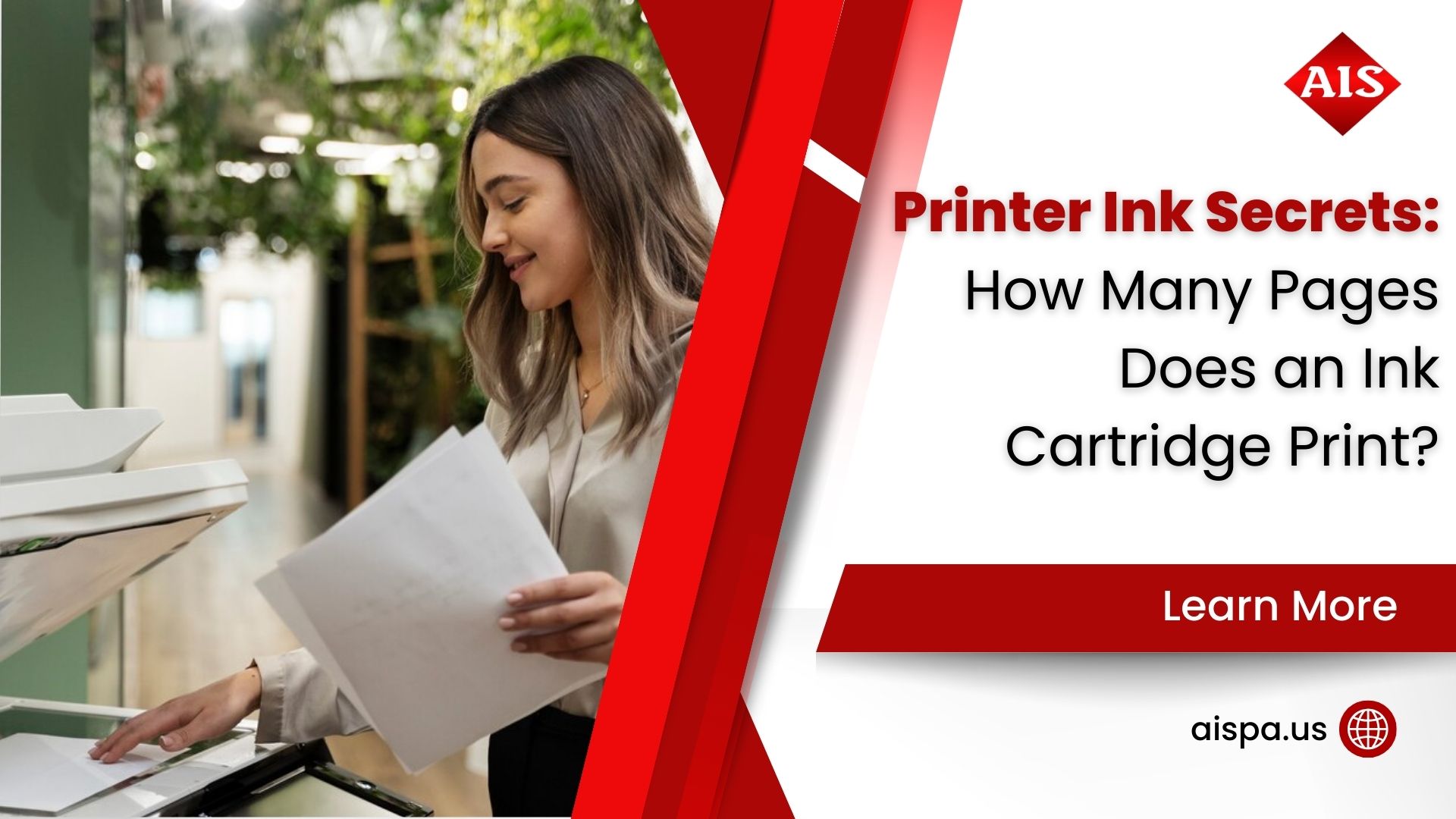
So How Many Pages Does an Ink Cartridge Print?
It depends. And we know nobody loves a vague answer. But the page yield of an ink cartridge swings widely based on the cartridge size, the printer model, and what you actually put on the page. A standard cartridge might give you 200 pages. A high-yield version of the same cartridge could push past 1,500. Same printer, very different results.
Here is the part most people miss. The number printed on the box is a lab figure, not a promise. It comes from a controlled test, and your office prints nothing like a lab. So the gap between the rated yield and your true yield is normal, and it is worth understanding before you blame the cartridge.
At Associated Imaging Solutions, we field this question constantly from Philadelphia and Bucks County offices trying to budget for supplies. The good news? Once you know how page yield works, you can predict your costs with real confidence.
What Page Yield Actually Means
Page yield is the estimated number of pages a single cartridge can produce before it runs dry. Think of it as a fuel-economy rating for your printer. It gives you a baseline for comparison, not a guaranteed mileage.
Two cartridge classes drive most of the confusion:
- Standard cartridges hold less ink and cost less up front. They suit light or occasional printing.
- High-yield cartridges (often marked XL) hold more ink, cost more up front, and usually deliver a lower cost per page over time.
Here is a real example from HP. An HP 902 standard cartridge is rated for about 300 pages. The HP 902XL jumps to roughly 825 pages, and the HP 906XL extra-high-yield version reaches around 1,500 pages. Same printer family, three very different price-to-page math problems.
Typical page range for a single ink cartridge, standard to extra-high-yield
The ISO Standard Behind the Number
Page yield is not a guess. Reputable manufacturers test to an international standard so buyers can compare apples to apples. For color inkjet cartridges the rule is ISO/IEC 24711, paired with the test documents from ISO/IEC 24712. For monochrome laser toner, it is ISO/IEC 19752.
The test works like this. The printer runs a fixed set of five letter-sized pages over and over until the cartridge hits end of life. Those test pages sit at roughly 5% ink coverage, which is mostly text with a little structure. You can read the full method on HP’s official ink yield page and on Canon’s inkjet page yield resource.
Now picture 5% coverage on a page. It is a few short paragraphs of black text. No photos. Hardly any color. No bold headers stretching across the sheet. So if your team prints spreadsheets with shaded cells, marketing flyers, or client-ready proposals, you are using far more than 5% per page. And that is exactly why your cartridge empties sooner than the box suggests.
What Changes How Many Pages You Get
Two offices can buy the identical cartridge and see wildly different results. Why? Because page yield bends to how you print. Here are the factors that move the needle most.
Ink coverage per page
This is the big one. A resume uses very little ink. A full-bleed event poster drinks it. The more of the page you cover, the fewer pages you get. Simple as that.
Color versus black and white
Color pages pull from multiple cartridges at once. Print a vivid photo and you drain cyan, magenta, yellow, and black together. Black-text documents sip from one tank, so they stretch much further.
Print frequency
Idle inkjet printers run cleaning cycles to keep nozzles clear, and those cycles spend ink. So a machine that prints once a week can waste ink on maintenance. Printing regularly, oddly enough, often improves your effective yield.
Draft mode and settings
Draft or economy mode lays down less ink per page. For internal documents, it can dramatically extend a cartridge. Save the high-quality setting for the pages that leave the building.
Environment and storage
Heat, humidity, and dust all affect ink behavior. Cartridges stored too long or in rough conditions can underperform or dry out before you ever install them.
The page coverage manufacturers assume when they rate yield. Most business pages use more.
From Page Yield to Cost Per Page
Page yield only matters because of what it tells you about money. But the metric you actually want is cost per page. And the math is friendly: divide the cartridge price by its page yield.
Say a cartridge costs $30 and is rated for 300 pages. That is 10 cents per page at the rated yield. Buy the XL version for $45 rated at 825 pages, and you drop to roughly 5.5 cents per page. The pricier cartridge is the cheaper choice. But only if you print enough to use it before the ink degrades.
For rough benchmarks, inkjet color pages average near 20 cents each, while black-and-white inkjet pages land closer to 7.5 cents. High-yield laser setups can fall to a few cents per page or less. Here is how the comparison tends to shake out.
| Cartridge type | Typical price | Rated yield | Approx. cost per page |
|---|---|---|---|
| Standard inkjet (black) | $20–$35 | 200–300 pages | 7–12 cents |
| High-yield inkjet (black) | $40–$55 | 600–825 pages | 5–8 cents |
| Standard color set | $45–$70 | 200–300 pages | 15–20 cents |
| High-yield laser toner | $80–$200 | 2,000–10,000 pages | 1–4 cents |
These are ballpark figures, so treat them as a starting point and verify against your own cartridge prices. Still, the pattern holds across nearly every brand: higher yield almost always means lower cost per page.
Decoding the Numbers on Your Cartridge Box
Cartridge packaging can feel like a code. A few letters and figures decide how many pages you get and how much you pay. Once you can read them, smarter buying gets a lot easier.
Start with the yield figure itself. Most boxes list a page yield right on the front, and reputable brands tie it to the ISO standard. Look for a small note saying the figure reflects 5% coverage. If a cartridge advertises a big number with no standard behind it, treat the claim with caution.
Standard, XL, and XXL labels
Brands use suffixes to flag capacity. A plain model number is the standard cartridge. An XL holds more ink. An XXL or extra-high-yield holds the most. The printer and the ink inside are the same chemistry; the tank is simply bigger. So the choice is really about how often you want to swap cartridges and how your cost per page works out.
Color sets versus individual tanks
Some printers use a single tri-color cartridge. Others give each color its own tank. Individual tanks tend to save money, because you replace only the color you drain rather than tossing a whole unit when one shade runs low. Worth checking before you commit to a printer model.
Genuine, compatible, and remanufactured
You will see three supply types on the shelf. Genuine cartridges come straight from the printer maker. Compatible cartridges are new, third-party units built to fit. Remanufactured cartridges are recycled originals, cleaned and refilled. Each has a place, and the right pick depends on your tolerance for variation and your budget. We help local clients weigh these tradeoffs so the savings never come at the cost of reliability.
Signs It Is Time to Replace Your Cartridge
Running a cartridge to the absolute end sounds thrifty. Sometimes it backfires. A struggling cartridge can produce poor work, waste paper on reprints, and even risk the print head. So how do you know when to swap?
- Faded or streaky output. Light bands or patchy color usually mean the ink is nearly gone or a nozzle is clogging.
- Missing colors. If reds look orange or photos turn flat, one tank has likely run dry while the others soldier on.
- Low-ink warnings. The software alert is an estimate, not a hard stop. You often have pages left, so plan a replacement rather than panic-buy.
- Repeated cleaning cycles. A printer cleaning itself again and again may be fighting a failing cartridge.
- Smearing or smudges. Leaks and overflow can signal a cracked or worn cartridge worth retiring early.
Here is a practical habit for any office: keep one spare cartridge per color on the shelf. A single backup turns a printing emergency into a two-minute swap. And for teams running several machines, a managed supply program keeps those spares stocked automatically so nobody has to remember.
Recycling matters too. Most cartridge makers and many office suppliers run free take-back programs, and the EPA Energy Star resources can help you build greener print habits across the office. Fewer cartridges in the trash is good for the planet and often good for the budget.
Does the Printer Type Change Your Yield?
Yes, and it matters more than most buyers expect. Inkjet cartridges typically yield a few hundred pages. Laser toner cartridges, which use powder instead of liquid, routinely yield thousands. A single high-yield toner can outlast a dozen inkjet cartridges.
So which is right for you? It comes down to volume. Low-volume home offices often do fine with inkjet, especially for occasional color and photos. High-volume offices that push hundreds of pages a day almost always save money with laser, both on cost per page and on how often someone has to swap cartridges.
For a busy Montgomery County office, the swap frequency alone is a hidden cost. Every cartridge change is a small interruption, a trip to the supply closet, and one more thing to track. Higher-yield consumables quietly buy back that time.
How to Get More Pages From Your Ink
You cannot rewrite the ISO standard, but you can shrink the gap between rated and real yield. A few habits make a measurable difference.
- Print in draft mode for internal documents and proofs. The quality drop is minor; the ink savings are not.
- Use grayscale whenever color adds nothing. Why drain three color tanks for a black-text memo?
- Pick efficient fonts. Lighter typefaces use less ink than heavy, bold ones across thousands of pages.
- Preview before you print to kill blank trailing pages and stray sheets.
- Buy high-yield when your volume justifies it, and store spares in a cool, dry spot.
- Keep the printer active. Regular use means fewer ink-wasting cleaning cycles.
None of these require new hardware. They are small choices, repeated daily, and they add up fast across a whole office.
When Cartridge Math Becomes a Print Strategy
For a single home printer, tracking page yield is a nice-to-know. For a business running several machines, it becomes a real line item. And that is where many Pennsylvania companies discover they are overspending without realizing it.
Managed print services exist for exactly this reason. The managed print services market was valued at roughly $52 billion in 2026, and the reason is simple: it works. Industry reporting suggests well-run programs cut print costs by 30% to 50% for a large share of clients. We would still encourage you to verify those figures against your own baseline, because every office is different.
A managed program tracks usage across every device, automates supply reorders before you run dry, and matches the right cartridge to the right machine. No more emergency runs for ink. No more mismatched, overpriced consumables. Just predictable costs and printers that stay fed.
Reported print-cost reduction for many businesses using managed print services (verify against your own usage)
Want to dig into the model? Our overview of managed print services walks through how it works, and the team at Associated Imaging Solutions is happy to benchmark your current spend.
Budgeting Ink and Toner for the Year Ahead
Once page yield clicks, annual budgeting stops feeling like guesswork. You can forecast supply costs with a short, repeatable formula. And it works whether you run one printer or twenty.
Start by pulling your monthly page volume. Most printers report a lifetime page count in their settings menu, so two readings a month apart give you a clean monthly figure. Multiply your monthly pages by your cost per page, then multiply by twelve. There is your yearly supply estimate. Add a small cushion for color-heavy seasons, like a fall marketing push or year-end reporting.
Why bother? Because surprise ink costs are some of the easiest expenses to control once you see them clearly. A Bucks County firm printing 4,000 pages a month at 7 cents per page spends roughly $3,360 a year on supplies alone. Shave even two cents off with smarter cartridges, and the savings clear $900 annually. Real money, recovered from a single habit change.
This is also where leasing earns its keep for growing offices. A well-structured lease can bundle equipment, supplies, and service into one predictable monthly figure, which makes the whole budget easier to defend. For Pennsylvania businesses weighing options, our team can model the buy-versus-lease math against your actual volume so the decision rests on numbers, not a hunch.
How Associated Imaging Solutions Helps
We have helped Philadelphia-area businesses control print costs since 1999. Here is what it looks like in practice.
Supply Management
Automatic ink and toner reordering so you never scramble for a cartridge mid-deadline.
Cost Analysis
A clear read on your true cost per page across every device in the office.
Right-Sized Equipment
Printers and copiers matched to your real volume, not a salesperson’s quota.
Copier & Printer Leasing
Flexible leasing options across Bucks and Montgomery County.
Service & Repair
Fast local support so a jammed machine never stalls your day.
Managed Print
One program to track usage, supplies, and spend across your whole fleet.
Have a question about your fleet or a single stubborn printer? Reach out through our contact page and we will point you the right way.
Frequently Asked Questions
How many pages does a standard ink cartridge print?
Most standard ink cartridges print between 200 and 400 pages at 5% coverage. High-yield versions of the same cartridge often reach 800 to 1,500 pages. Your real number depends on what you print.
Why does my cartridge run out before the rated page count?
Because the rating assumes 5% page coverage, which is mostly light text. If you print photos, color graphics, or heavy documents, you use more ink per page. So you hit empty sooner than the box predicts.
What is the ISO 24711 standard?
It is the international test method for color inkjet page yield. The printer runs a fixed set of test pages at about 5% coverage until the cartridge empties. It gives buyers a fair way to compare brands.
Are high-yield cartridges worth the extra cost?
Usually, yes, if you print enough to use them. A high-yield cartridge costs more up front but lowers your cost per page. For light users who print rarely, a standard cartridge may finish before the ink degrades.
How do I calculate my cost per page?
Divide the cartridge price by its rated page yield. A $30 cartridge rated for 300 pages costs about 10 cents per page. Compare that figure across cartridge options to find the best value.
Do color pages use more ink than black-and-white pages?
Yes, and often by a lot. Color pages pull from several cartridges at once. A black-text document draws from a single tank, so it stretches much further per cartridge.
Does laser toner last longer than inkjet ink?
Generally, yes. Laser toner cartridges commonly yield thousands of pages, while inkjet cartridges yield a few hundred. High-volume offices usually save money with laser.
Can I really get more pages by printing in draft mode?
You can. Draft mode lays down less ink per page, which extends the cartridge. It is ideal for internal documents where polished quality does not matter.
Why do unused inkjet cartridges still lose ink?
Inkjet printers run periodic cleaning cycles to keep nozzles from clogging, and those cycles spend ink even when you are not printing. Idle machines can quietly waste a surprising amount.
Do third-party or refilled cartridges yield the same pages?
Sometimes, but results vary. Quality third-party cartridges can match brand yields at a lower price, while poor ones underperform or leak. Stick with reputable suppliers and watch for warning signs.
How can a business predict its ink costs accurately?
Track your monthly page volume, note your average coverage, and multiply by your cost per page. A managed print program does this automatically and flags overspending before it grows.
Does Associated Imaging Solutions serve my area?
We serve Philadelphia, Bucks County, Montgomery County, and the surrounding Pennsylvania region. Call us at (215) 999-8445 to talk through your printing needs.
Stop Guessing at Your Print Costs
Providing solutions to make businesses run more productively, more reliably, and more efficiently.
Related Posts
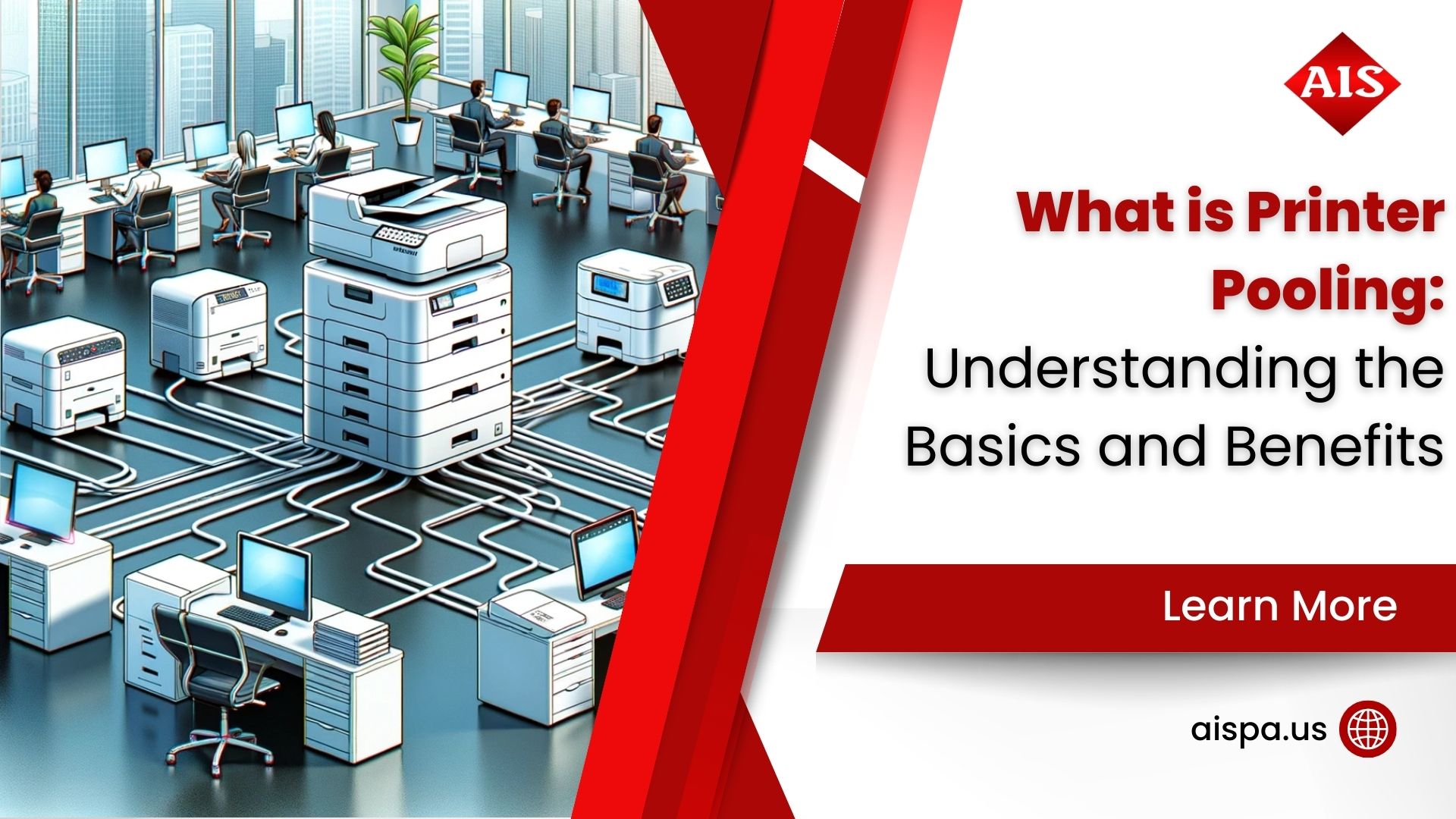
— What Is Printer Pooling? Understanding the Basics and Benefits
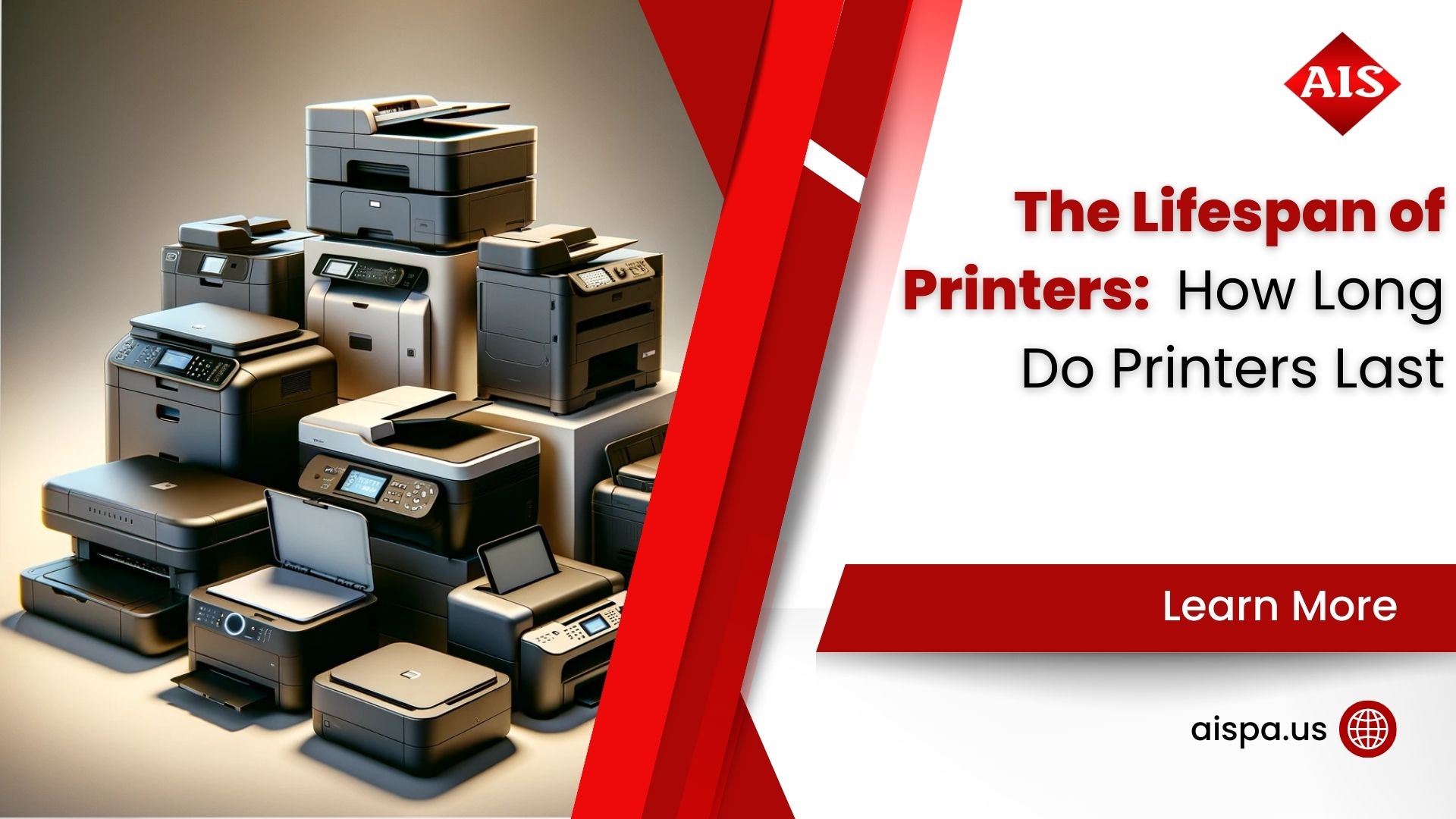
— The Lifespan of Printers: How Long Do Printers Last