

How to Choose an Office Copy Machine: The Complete 2026 Guide

March 20, 2026
 0 views
 0 comments
How to Choose an Office Copy Machine: The Complete 2026 Guide
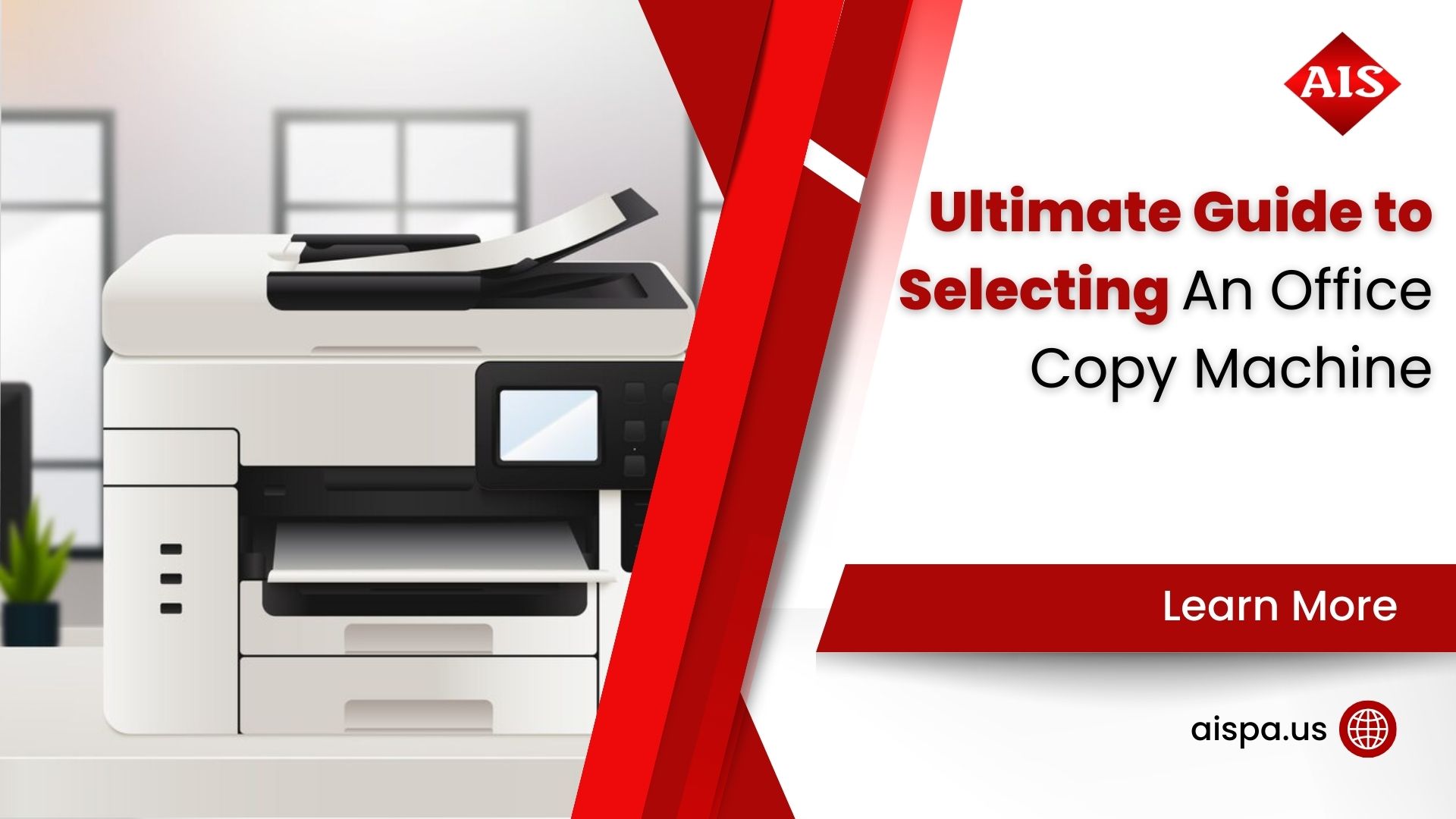
Choosing the right office copy machine comes down to three things: your monthly print volume, your budget (lease vs. buy), and the features your team actually uses every day. Mid-size offices in the Philadelphia area typically do best with a multifunction copier (print, copy, scan, fax) leased for $150 to $450 per month. Read on for the full breakdown.
So you need a new office copy machine. But between laser vs. inkjet, lease vs. buy, color vs. black and white, and a dozen competing brands, it can feel like you need a degree just to make a decision.
You don’t. This guide walks through every factor that matters, with real pricing data, honest tradeoffs, and specific recommendations for businesses in Bucks County, Montgomery County, and greater Philadelphia. By the end, you’ll know exactly what to look for and what questions to ask a dealer.
Start with Your Monthly Print Volume
Before you look at a single spec sheet, figure out how much you actually print. This one number drives almost every other decision.
Most copier brands publish a “recommended monthly volume” alongside their machines. This number matters. Push a machine above it consistently and you’ll burn through drums and fusers fast. Stay well under it and you’re paying for capacity you’ll never use.
| Office Size | Monthly Print Volume | Recommended Tier | Typical Monthly Lease |
|---|---|---|---|
| 1 to 5 users | Under 2,000 pages | Desktop MFP | $89 to $150/month |
| 5 to 20 users | 2,000 to 10,000 pages | Mid-range MFP | $150 to $350/month |
| 20 to 50 users | 10,000 to 30,000 pages | Departmental MFP | $350 to $700/month |
| 50+ users | 30,000+ pages | Production or enterprise MFP | $700 to $1,200/month |
Not sure how much you print? Pull 90 days of invoices from your current toner or ink supplier. Add up the cartridge yields. This gives you a reliable monthly baseline without guessing. If you have no existing machine to reference, a 10-person office typically runs 5,000 to 8,000 pages per month. A 20-person office with shared printing often reaches 12,000 to 20,000 pages. Legal, accounting, and insurance firms tend to run at the higher end of their size category.
Copy Machine Types: Which One Does Your Office Actually Need?
There are four main categories, and each makes sense for a different kind of office. Let’s cut through the marketing language.
Standalone Copiers
A pure copier that does one thing: duplicates documents. These are rare now. Most offices skip this category entirely since a multifunction printer handles the same job plus a lot more.
Multifunction Printers (MFPs)
The workhorse for the vast majority of offices. An MFP combines print, copy, scan, and often fax into one device. Shared by a team, connected to your network, and available in both color and black-and-white versions. This is the category most businesses should be shopping in.
Laser vs. Inkjet
Laser wins for high-volume text and black-and-white printing. Toner costs more upfront but lasts longer per page, typically $0.01 to $0.015 per black-and-white page. Inkjet produces better photo-quality color but the cost per page climbs fast in a shared office environment. Most commercial offices choose laser or LED.
Wide-Format Printers
Engineering firms, architects, and marketing teams that print blueprints, posters, or large-format graphics need a dedicated wide-format device. These sit alongside a standard MFP rather than replacing it.
The Features Worth Paying For (and the Ones That Aren’t)
Manufacturers love loading spec sheets with numbers. Here’s what actually affects your day-to-day experience.
Print Speed (PPM)
Pages per minute sounds critical. But for most offices, a 30 ppm machine handles up to 10,000 pages a month without a bottleneck. You’d need to print continuously for 5+ hours a day to justify jumping to 50 or 60 ppm. Don’t pay for speed you won’t use.
Paper Capacity and Finishing
A large paper drawer saves constant refilling in a busy office. Stapling and hole-punch finishing matters if your team produces bound reports or presentations regularly. These finishing units add cost but save real time.
Scanning and Workflow Features
Scan to email, scan to folder, and scan to cloud are table stakes in 2026. Look for automatic document feeders (ADF) that hold at least 50 sheets if your team scans multi-page contracts or applications often. Duplex scanning saves a surprising amount of time.
Connectivity
- Ethernet (wired network) for shared office environments
- Wi-Fi for mobile printing from phones and tablets
- AirPrint and Google Cloud Print compatibility
- USB port for printing directly from drives
- Integration with cloud storage (Google Drive, SharePoint, Dropbox)
Security Features
This one is genuinely important and often skipped during the buying conversation. Modern MFPs store documents in memory. Without proper security, the data is vulnerable. Look for:
- Secure print release (PIN or badge swipe at the machine)
- Hard drive encryption and data overwrite
- User authentication and access logs
- Network encryption (TLS/SSL)
- Automatic hard drive clearing at end of lease
Law firms, healthcare offices, and financial services companies in Pennsylvania are particularly sensitive here. Ask any potential vendor specifically about data security before signing.
The Numbers Behind Office Printing in 2026
Global managed print services market in 2026, growing at 8.9% annually
Of U.S. businesses that lease rather than purchase office copiers and MFPs
The managed print services market has expanded dramatically because businesses are realizing that owning and managing their own copiers is expensive, unpredictable, and a distraction from their core work. This is exactly why leasing with a full-service agreement has become the default choice for most Philadelphia-area offices.
Still, leasing isn’t always the right answer. Here’s how the two options compare honestly.
Should You Lease or Buy Your Office Copy Machine?
This is one of the most common questions we hear from businesses in Warminster, Philadelphia, and across the region. The honest answer: most small and mid-size businesses are better off leasing. But buying makes sense in specific situations.
| Factor | Leasing | Buying |
|---|---|---|
| Upfront cost | $0 to minimal | $1,500 to $40,000+ |
| Monthly cost | $89 to $1,200/month | Maintenance + supplies only |
| Tax treatment | 100% deductible as operating expense | Depreciation over time (or Section 179) |
| Maintenance | Usually included in service agreement | Out of pocket, unpredictable |
| Technology refresh | Upgrade at end of term (36 to 60 months) | You own aging equipment |
| Long-term cost (5 years) | Higher total, but predictable | Lower total if well maintained |
| Best for | Most offices, especially growing businesses | Stable, high-volume operations with capital |
What Do Pennsylvania Businesses Actually Pay?
Lease rates vary by machine tier and contract terms. Most businesses in Bucks County and Montgomery County pay between $125 and $600 per month for a leased office copier. The wide range reflects differences in print speed, color capability, paper capacity, and service contract terms.
Buying outright? A reliable mid-range multifunction copier runs $5,000 to $15,000. Entry-level desktop models start around $1,500. High-speed production machines can run $40,000 or more. Add a service contract on top, typically $0.01 to $0.015 per black-and-white page and $0.06 to $0.12 per color page, and the monthly spend adds up quickly either way.
Which Copier Brands Are Worth Considering in 2026?
There are a lot of copier brands out there. Here’s an honest look at the major players and where each one tends to shine.
| Brand | Known For | Best Fit |
|---|---|---|
| Sharp | Reliable mid-volume MFPs, strong security features | Small to mid-size offices, healthcare, legal |
| Ricoh | Document workflow, strong software ecosystem | Offices with complex document routing needs |
| Konica Minolta | Color accuracy, high-volume color printing | Marketing firms, print-heavy environments |
| Canon imageRUNNER | User-friendly interface, strong scan features | Law firms, healthcare, education |
| Xerox AltaLink | Enterprise features, robust finishing options | Large offices, production environments |
| HP Enterprise | Network security, wide software compatibility | IT-driven environments, Microsoft shops |
For detailed specs on current Sharp MFP models, Sharp’s official product pages are a good reference point. Keep in mind: the brand matters less than the service provider behind it. A Ricoh or Sharp from a dealer who responds in four hours when something breaks is worth more than a premium Canon from a dealer who takes two days. Always ask prospective vendors about their typical response time and technician coverage for the Philadelphia area. Ask for references from similar businesses in Bucks County or Montgomery County. A dealer confident in their service record will happily provide them. One who hesitates is telling you something important.
How Associated Imaging Solutions Helps Philadelphia Businesses Get It Right
Associated Imaging Solutions has been serving businesses in the greater Philadelphia area since 1999. We’ve placed thousands of copiers across Bucks County, Montgomery County, and the city itself. Here’s what we actually do for our clients:
Free Needs Assessment
We analyze your actual print volume and workflows before recommending anything. No pressure, no upselling.
Flexible Lease Options
36, 48, or 60-month terms with transparent pricing and no hidden fees buried in the fine print.
Local Service Technicians
Our technicians are based in the region, so response times are measured in hours, not days.
Managed Print Services
We monitor your devices proactively, supply toner before you run out, and optimize your fleet over time.
Security-First Setup
We configure every device with encrypted hard drives, secure print release, and proper network settings from day one.
End-of-Lease Transitions
We handle data wiping, equipment removal, and seamless transitions to newer technology when your lease ends.
Whether you’re a 5-person accounting firm in Warminster or a 60-person law office in Center City, we can match you with the right equipment and back it up with responsive local service. Give us a call at (215) 999-8445 to start the conversation.
Before You Sign Anything: A Practical Copier Buying Checklist
Use this list before committing to any machine or lease agreement. Skipping even one of these can cost you real money or real frustration later.
- Confirm the machine’s recommended monthly volume matches or exceeds your actual usage
- Ask for a cost-per-page breakdown (black-and-white and color separately)
- Clarify exactly what the service agreement covers: toner, parts, labor, drums, and fusers
- Check the overage charge if you exceed your contracted page count each month
- Ask about typical response time for service calls in your area of Pennsylvania
- Confirm the lease includes automatic hard drive clearing at end of term
- Request references from other businesses of similar size in your industry
- Verify connectivity: will the device integrate with your existing network and software stack?
- Ask about upgrade options mid-lease if your print needs change significantly
- Get total cost of ownership in writing over the full lease term, not just the monthly payment
The last point deserves emphasis. A quote of $199 per month looks very different when you add up 60 months of payments, overage charges, and supply costs that weren’t included. Always ask for the full picture.
What an Office Copier Really Costs Over 5 Years
Most businesses focus on the monthly lease payment or the sticker price when choosing a copier. But neither number tells the full story. The real question is: what will this machine cost me over the full life of the contract?
Here’s a realistic 5-year cost breakdown for a mid-range color MFP at a 20-person office printing roughly 15,000 pages per month:
| Cost Category | Leasing (48 months) | Buying Outright |
|---|---|---|
| Equipment cost | $0 down + $300/month | $9,500 upfront |
| Total lease or purchase payments | $14,400 over 48 months | $9,500 one time |
| Service contract (B&W at $0.012/page) | ~$1,080/year or $5,400 over 5 years | ~$1,080/year or $5,400 over 5 years |
| Color overages (estimated) | Included up to contract volume | $0.08/page x 3,000 pages/month = $2,880/year |
| Unexpected repairs | Covered under service agreement | $500 to $2,000 per incident |
| Technology refresh | New equipment at end of term | Trade-in or sunk cost |
When you factor in the full picture, leasing often makes sense even though the total dollar outlay looks higher. Predictable monthly costs, covered maintenance, and a clear upgrade path at the end of the term are worth real money to a business trying to stay focused on its core work.
And here’s something most dealers won’t bring up: the hidden cost of downtime. A machine that breaks and takes three days to fix doesn’t just cost a repair bill. It costs lost productivity, frustrated employees, and potentially missed deadlines. Fast local service, like what Philadelphia-area businesses get from a responsive local dealer, is worth including in your cost calculation.
Managed Print Services: A Different Approach
Some businesses go a step further and move all their printing infrastructure under a managed print services (MPS) contract. With MPS, one monthly fee covers the equipment, all supplies (toner, drums, paper sometimes), maintenance, and proactive monitoring to catch problems before they become outages.
MPS works well for offices with five or more devices, multiple locations, or a history of unpredictable print spend. According to SNS Insider research, the global MPS market hit over $54 billion in 2026, which reflects how many organizations have decided this model is simpler and more cost-effective than managing devices on their own. For a realistic conversation about whether MPS fits your situation, the team at aispa.us can walk you through the numbers without any obligation.
Frequently Asked Questions About Choosing an Office Copy Machine
Ready to Find the Right Copier for Your Office?
We’ve been helping businesses across Philadelphia, Bucks County, and Montgomery County find the right equipment since 1999. No pressure, no jargon. Just honest guidance and responsive local service.
GET A QUOTE
Or call us: (215) 999-8445
Providing solutions to make businesses run more productively, more reliably, and more efficiently
Related Posts
— What Is Printer Pooling? Understanding the Basics and Benefits
— The Lifespan of Printers: How Long Do Printers Last